Real devices. Right beside your code.
Stream iOS and Android screens into Ycode, send input to connected devices, launch apps and inspect logs. Reproduce behavior on the hardware your users hold, with your project and debugging tools in the same workspace.
- Live screen streaming
- Input and app launch
- Searchable device logs
A shorter path to your next iteration.
Connect and prepare
Attach a supported device and complete trust, pairing or USB debugging setup.
Open the live view
Select the device in Ycode to stream its screen and interact with the app.
Reproduce and inspect
Launch the target app, repeat the interaction and correlate behavior with device logs.
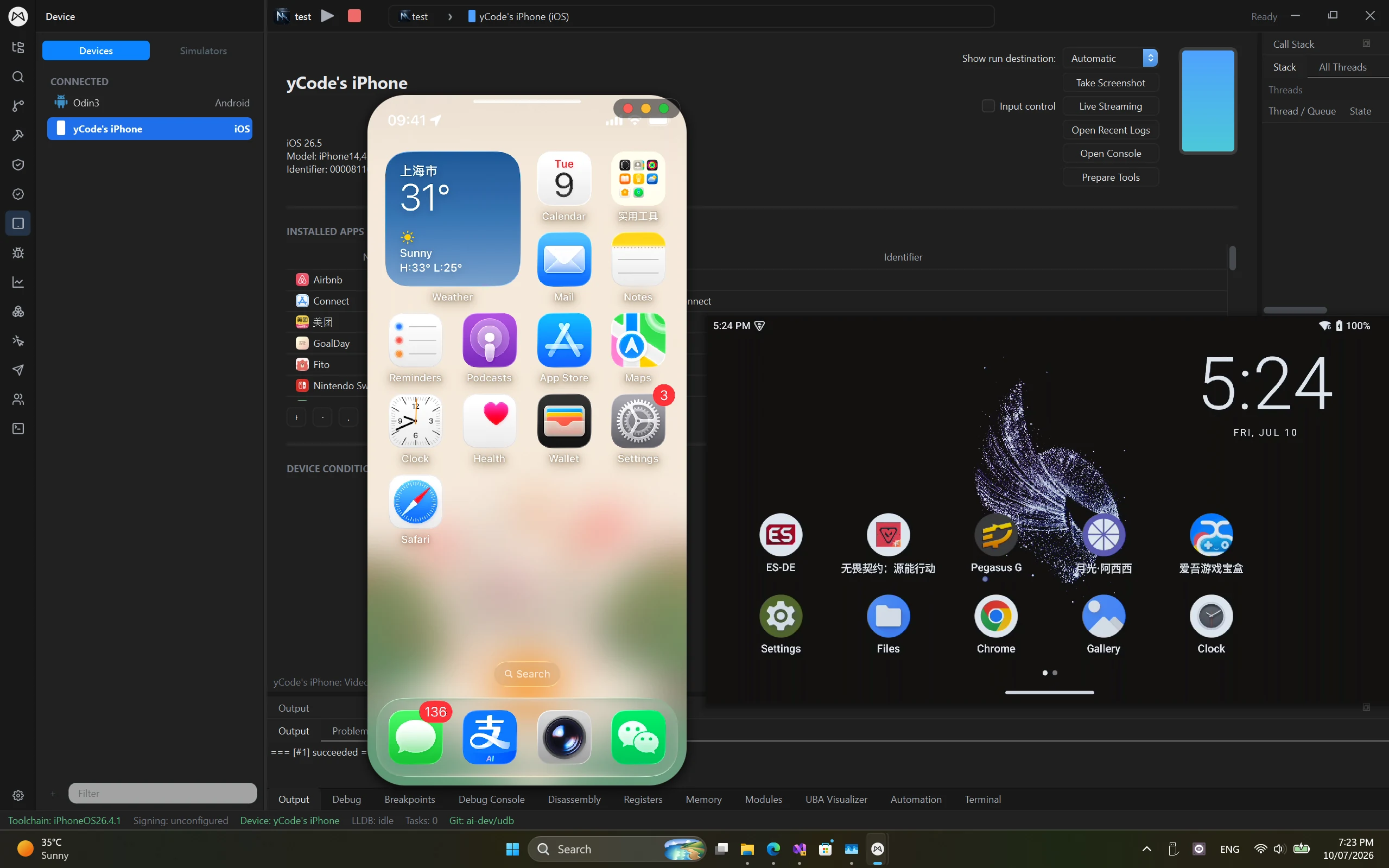
See the device. Interact with the app.
Bring real iOS and Android screens into the workspace. Live streaming and input control keep device interaction close to the code, so you can repeat a gesture and immediately inspect what happened.
- Side-by-side iOS and Android screen views
- Input sent to the selected connected device
- Real-device rendering and behavior
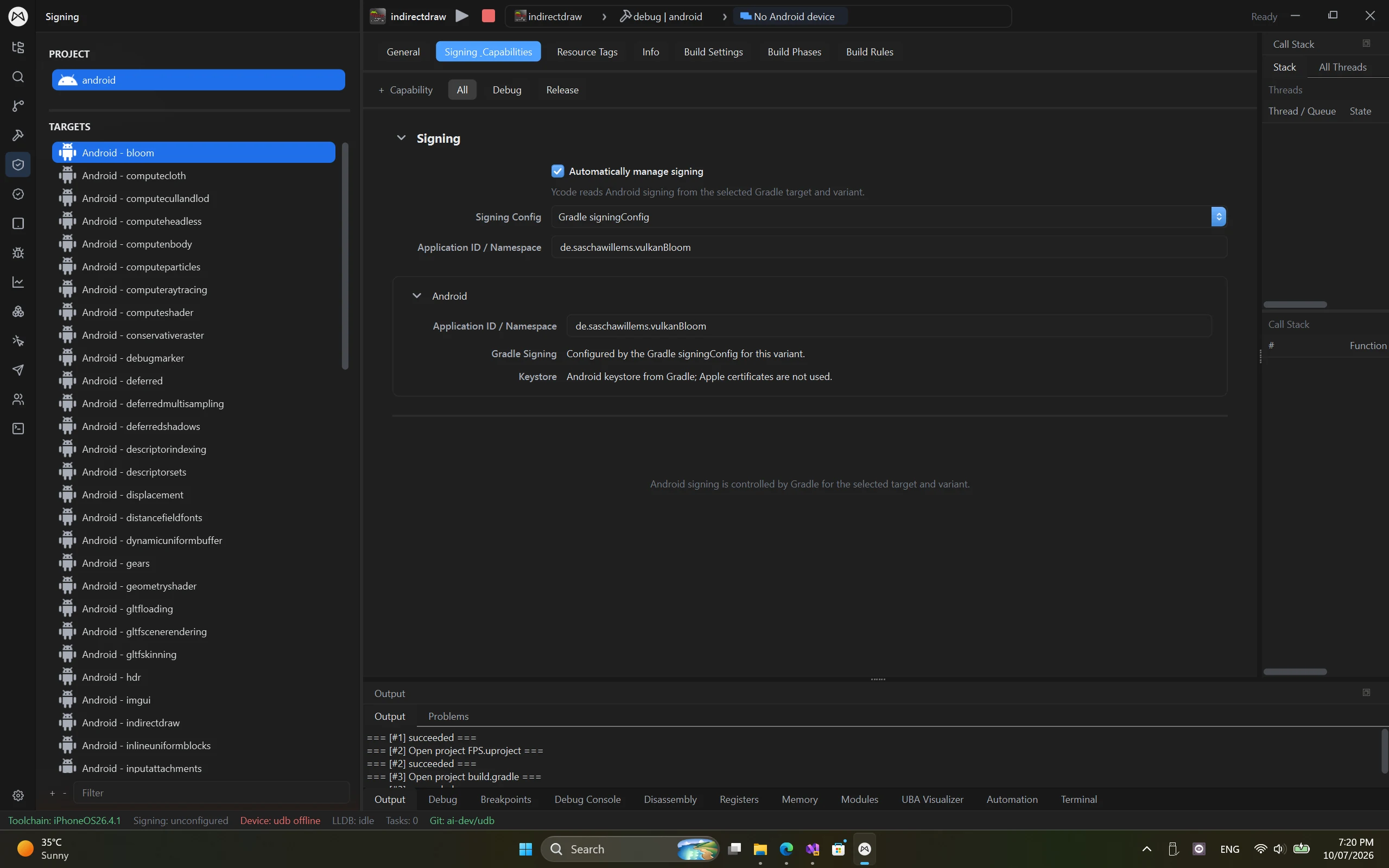
Keep launch and project settings together.
Select the app and device you want to work with. Android Gradle targets and signing settings stay in the project, while device actions support installing and launching the build you are testing.
- Connected device discovery and selection
- App install and launch actions
- Android Gradle target and signing configuration
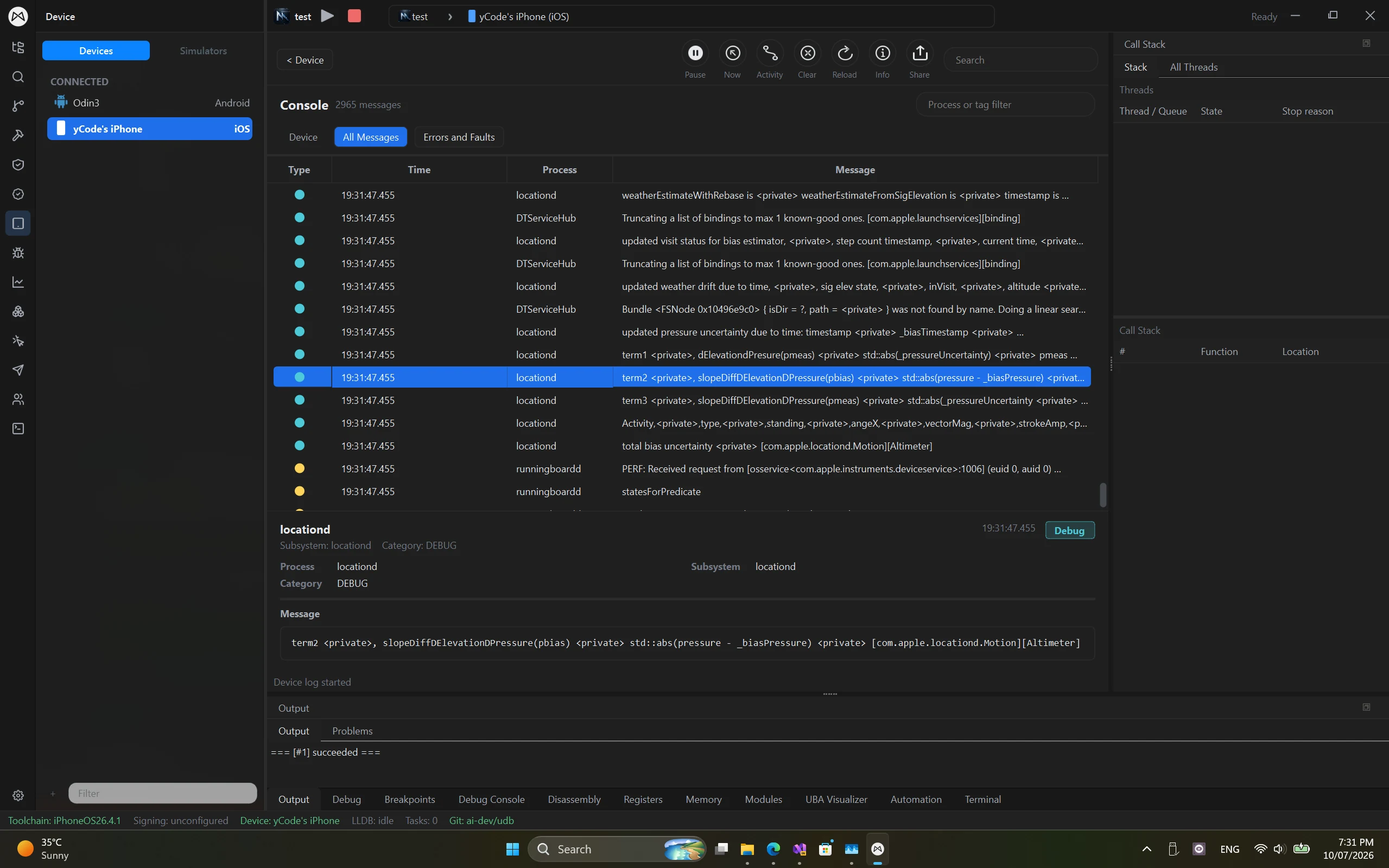
Follow the logs behind the screen.
A visible issue is only part of the story. Search device output and narrow it by process or tag, then use the relevant logs with your debugger to investigate crashes, launch failures or unexpected behavior.
- Searchable device console
- Process and tag filters
- Screen, source and runtime information in one workspace
Different targets. A familiar workspace.
Debug iOS, Android and Windows apps simultaneously from one Windows workspace.
Platforms & devices
Game engines
Native code
Graphics & captures
LSP highlighting & completion
Write application code, scripts and shaders in one editor, with language-server-backed highlighting and completion for these additional languages.
- Rust
- C#
- Java
- Kotlin
- Python
- MetalSL
- Unreal Shader
- Unity ShaderLab
Language support describes editing features. Build, run and debugging support depend on the project's toolchain and target.
Windows is both the desktop host and a debugging target; iOS and Android are connected device targets. Ycode supports simultaneous debugging across all three. Setup and available features depend on the project, toolchain and target version. Download buttons list only published installers.
A few things to know.
Practical answers before you get started.
Can Ycode mirror and control both iOS and Android devices?
Ycode provides screen streaming and input control for supported connected iOS and Android devices. Available actions depend on the device, OS version and connection setup. The live view is designed for development on real hardware.
What setup do connected devices need?
iOS devices need the required trust, pairing and development configuration. Android devices need the appropriate debugging permissions and host authorization. Complete Ycode's device setup for your platform before starting a live session.
Is screen mirroring the same as debugging?
Mirroring shows the device screen, input control lets you interact with it, and debugging inspects code execution, threads and variables. Ycode combines these tools with device logs and can simultaneously debug iOS, Android and Windows apps from Windows.
Bring your tools into one workspace.
Create a Mix Studio account or sign in to download Ycode. Compare plans for feature access and device or build-node limits.
Join Discord