From Unity to your code. Keep the project in sync.
The Ycode Editor plugin connects Unity to Ycode as an external code editor. Synchronize C# projects, use Roslyn-powered language services and navigate package source, with Unity ShaderLab highlighting and completion in the same workspace.
- Unity external editor
- C# LSP & package source
- Unity ShaderLab support
A shorter path to your next iteration.
Install the editor package
Add the bundled com.pixphilosophy.ide.ycode package to your Unity project. Ycode's Unity project-sync workflow can install it for the project.
Select Ycode
In Unity, open Edit > Preferences > External Tools and choose Ycode as the external script editor. Set the executable path if it is not discovered automatically.
Sync and open a script
Regenerate project files and choose the package sources to include. Opening a script from Unity takes you to its file and position in Ycode.
Open the right file, at the right place.
The Ycode Editor package registers with Unity's external-code-editor system. Open scripts and supported shader files from Unity, passing the project path and source location to the Ycode workspace.
- External editor registration and executable discovery
- Open scripts at the requested line and column
- Open C#, ShaderLab, compute shaders and HLSL includes
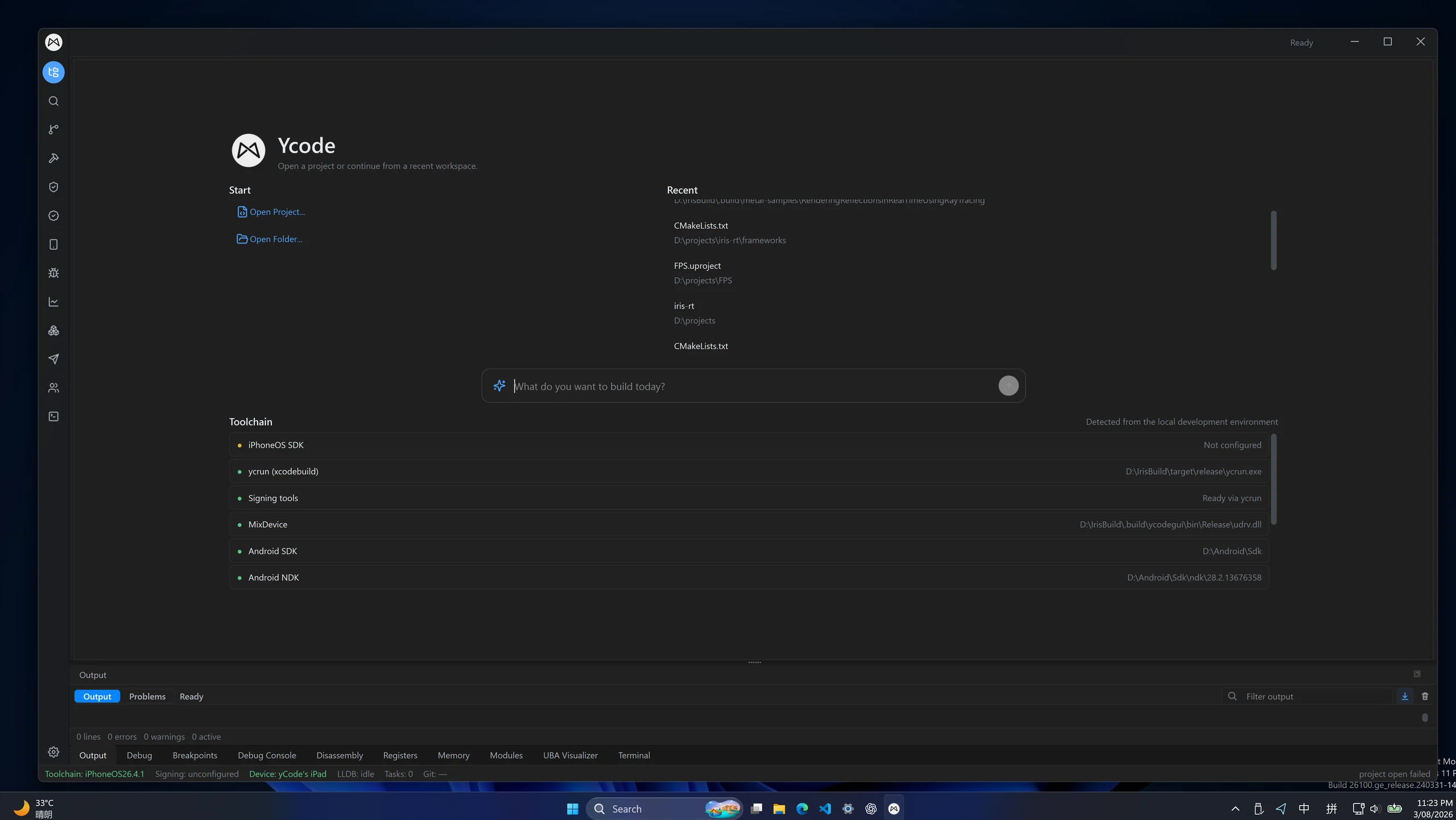
Give C# the context it needs.
The plugin generates solution and C# project files from Unity's compilation data, including references, defines and analyzers. Roslyn uses these projects for language services; package projects help Go to Definition reach package source.
- C# LSP highlighting, completion and source navigation
- Project synchronization when scripts and assemblies change
- Configurable package scope: embedded, local, registry and Git sources
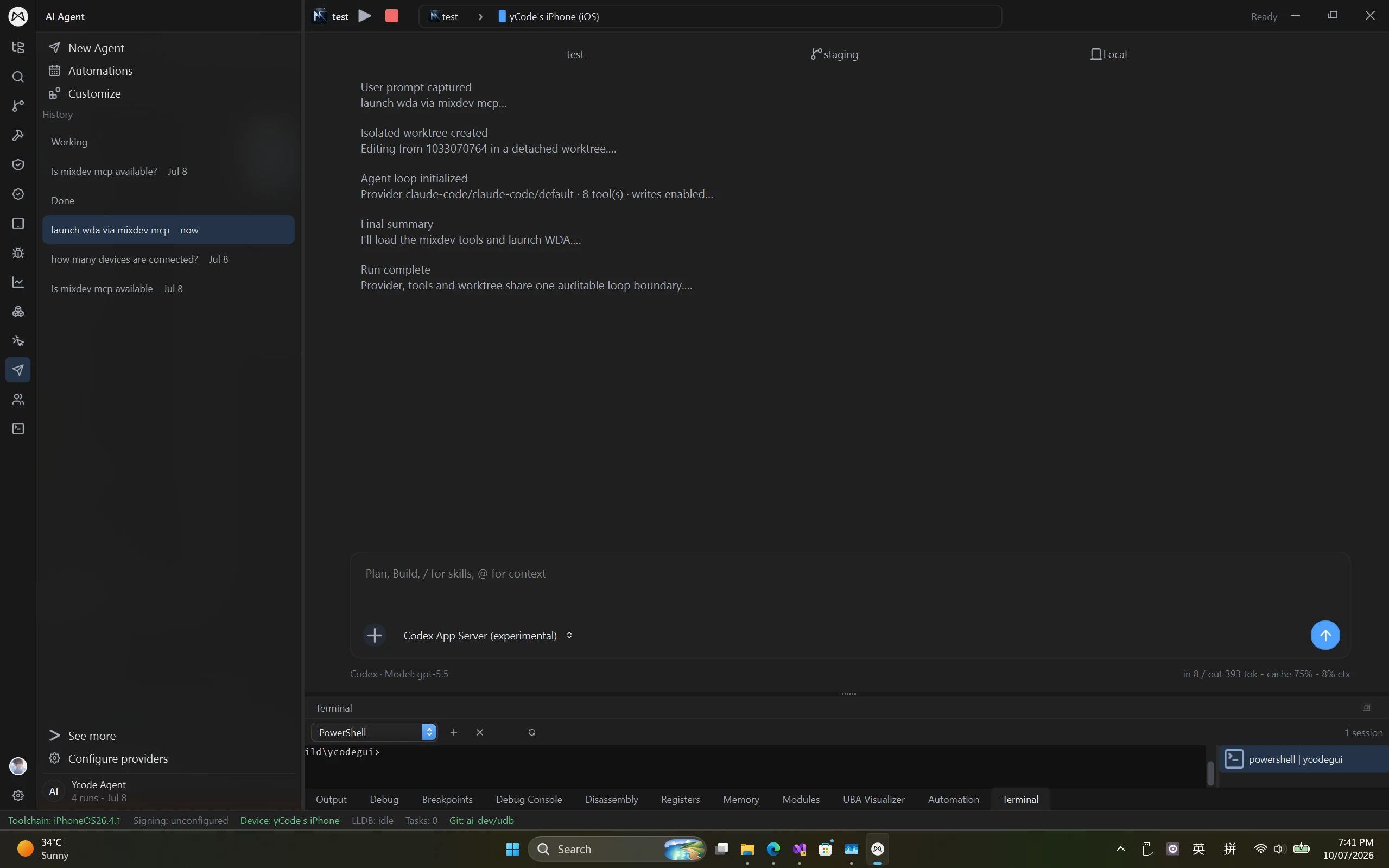
Move from scripts to native targets.
C# and Unity ShaderLab language support are part of editing. After Unity exports a supported player project, use Ycode's separate native build and debugging workflows for IL2CPP compilation and iOS device inspection.
- Edit C# and Unity ShaderLab in the same workspace
- Explore distributed builds for supported IL2CPP exports
- Debug native iOS code from Windows
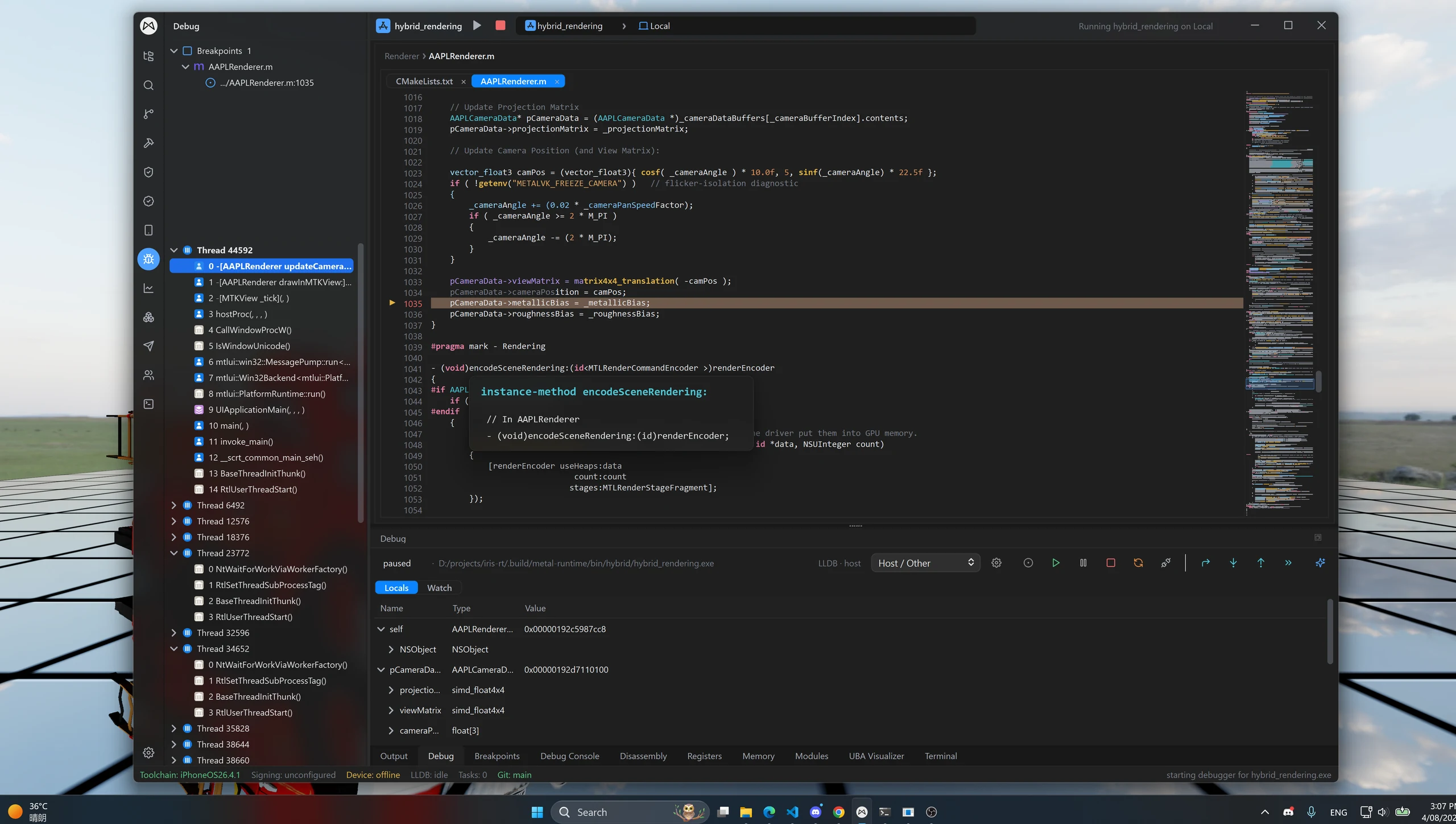
Real projects. Recorded workflows.
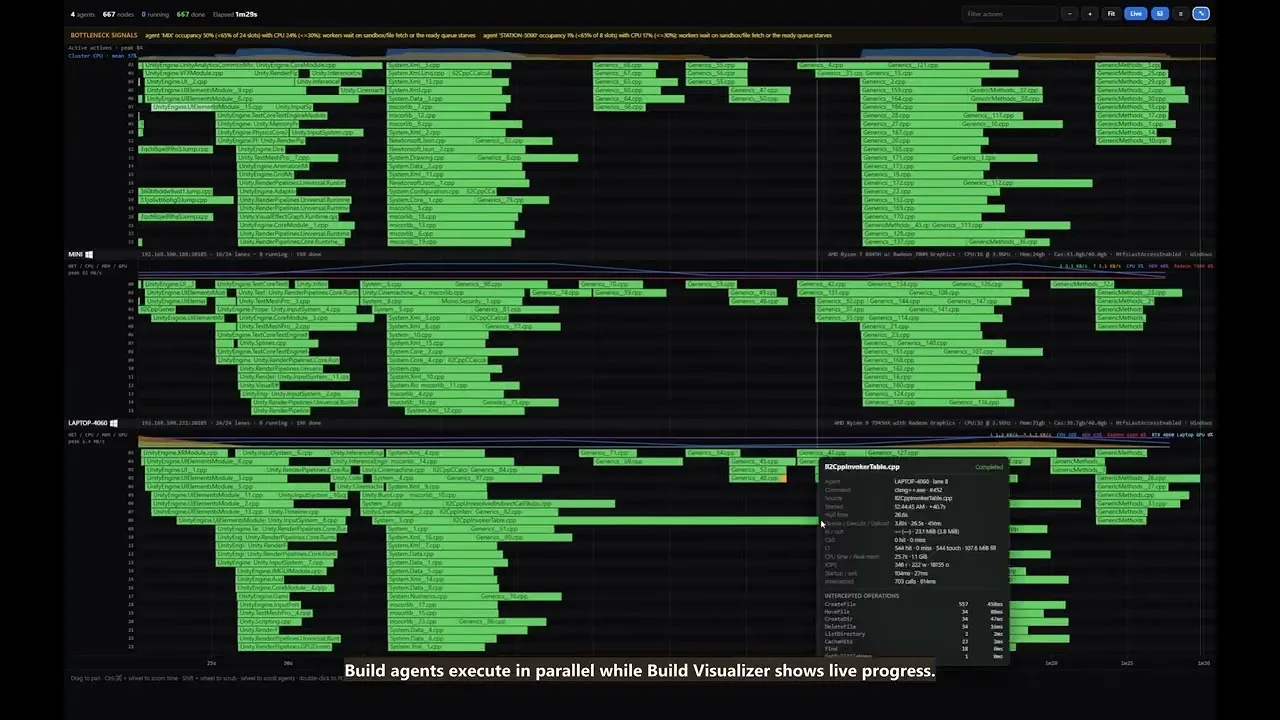
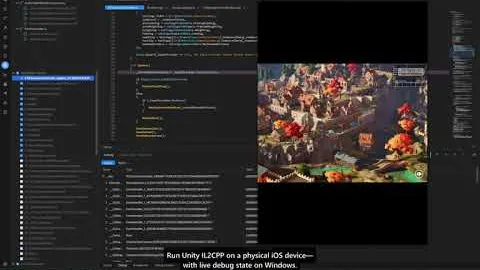
Different targets. A familiar workspace.
Debug iOS, Android and Windows apps simultaneously from one Windows workspace.
Platforms & devices
Game engines
Native code
Graphics & captures
LSP highlighting & completion
Write application code, scripts and shaders in one editor, with language-server-backed highlighting and completion for these additional languages.
- Rust
- C#
- Java
- Kotlin
- Python
- MetalSL
- Unreal Shader
- Unity ShaderLab
Language support describes editing features. Build, run and debugging support depend on the project's toolchain and target.
Windows is both the desktop host and a debugging target; iOS and Android are connected device targets. Ycode supports simultaneous debugging across all three. Setup and available features depend on the project, toolchain and target version. Download buttons list only published installers.
A few things to know.
Practical answers before you get started.
What does the Ycode Unity plugin do?
The Ycode Editor package, com.pixphilosophy.ide.ycode, registers Ycode as Unity's external code editor and generates the C# solution and project files used by its Roslyn language server. It synchronizes project context and enables navigation into included package source.
Does Ycode support C# and Unity ShaderLab highlighting and completion?
Yes. Ycode supports LSP highlighting and completion for C# and Unity ShaderLab. The Unity plugin supplies C# project context for Roslyn, including assembly references and defines. Package-source navigation depends on the package assemblies selected for project generation.
Does the plugin itself build or debug a Unity player?
No. The editor plugin handles source editing and C# project synchronization. Unity player export, IL2CPP distributed compilation and native iOS debugging are separate stages with their own toolchain and target requirements; C# editing support does not imply managed C# debugging.
Bring your tools into one workspace.
Create a Mix Studio account or sign in to download Ycode. Compare plans for feature access and device or build-node limits.
Join Discord