Unreal Editor, connected. Code and engine in conversation.
Ycode UnrealLink connects your workspace to Unreal Editor through the bundled YcodeLink plugin. Follow live logs, control Play in Editor, navigate Blueprints and give AI agents access to editor tools.
- Live editor connection
- Blueprint & source navigation
- MCP tools for AI agents
A shorter path to your next iteration.
Install YcodeLink
Open your Unreal project in Ycode and use the Unreal panel to install the bundled plugin into the project or engine.
Connect the editor
Start Unreal Editor and let it compile and load the plugin. Ycode discovers the running editor and connects to its authenticated local endpoint.
Iterate from Ycode
Read editor logs, run or pause PIE, open Blueprints and use Live Coding as your project and engine configuration allow.
Keep the editor within reach.
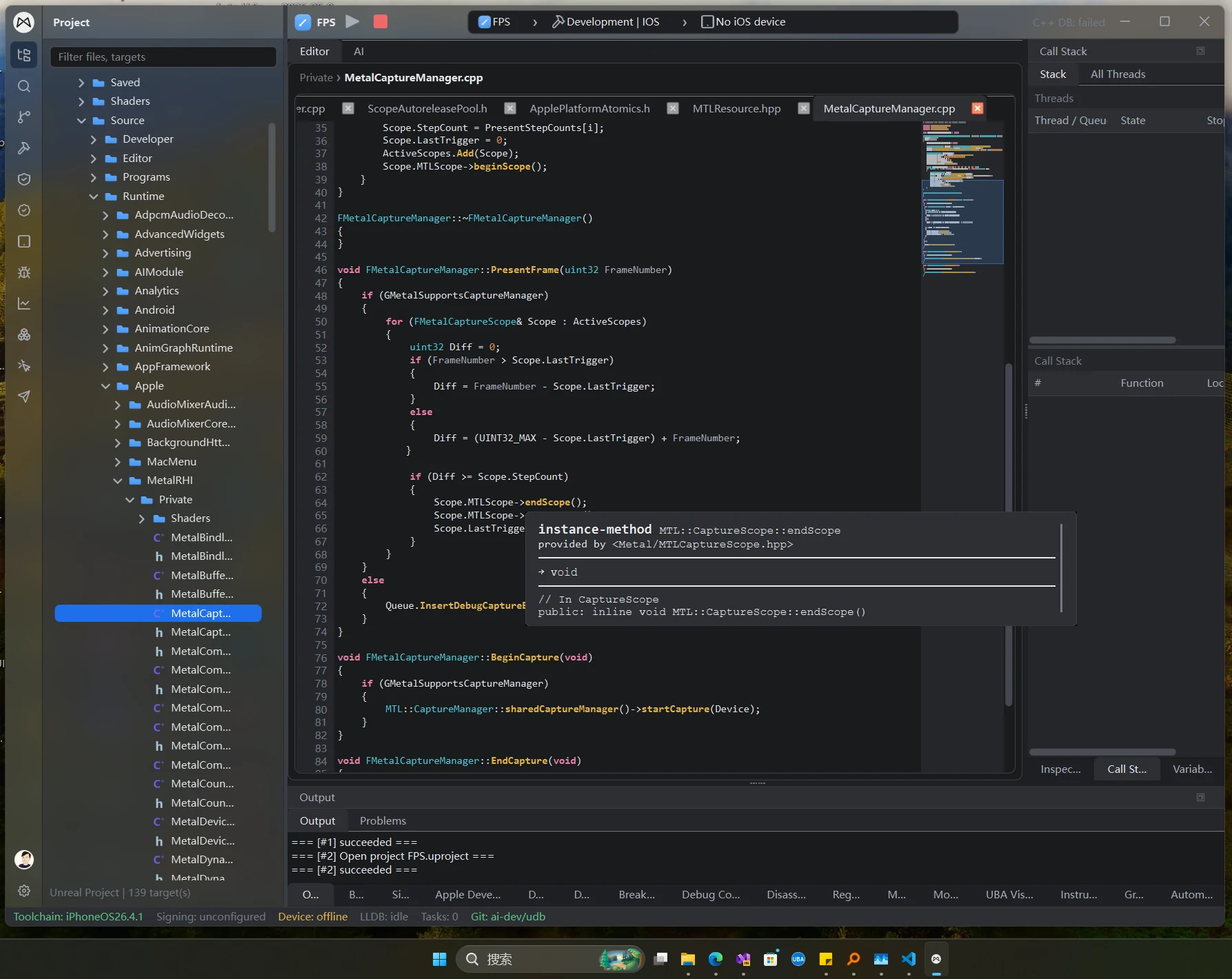
The YcodeLink connection brings Unreal Editor state into Ycode. Follow live logs, jump from linked messages to source or Blueprints, and control Play in Editor without losing your coding context.
- Play, pause, resume, stop and single-frame stepping
- Log filtering by category, verbosity and text
- Blueprint navigation and Open in Ycode at a file, line and column
Give agents access to the engine.
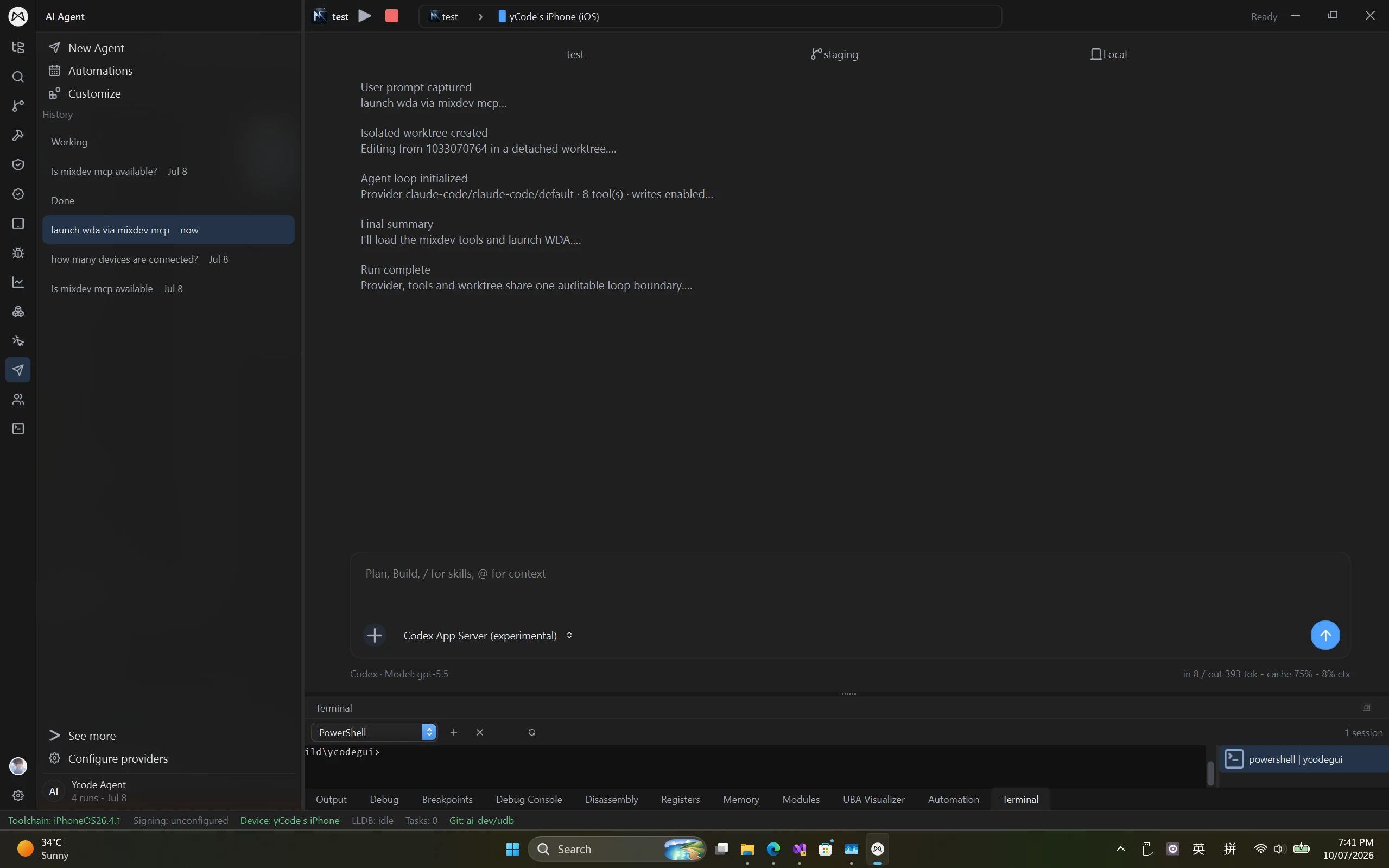
YcodeLink exposes editor tools over MCP, so agents can inspect assets, execute Python, capture screenshots and work with the viewport. The same local connection also supplies shader source mappings and live permutation context to Ycode.
- Asset search, screenshots, viewport camera and actor tools
- Python execution through Unreal Editor
- Unreal Shader LSP context from engine mappings and shader permutations
Continue into builds and runtime inspection.
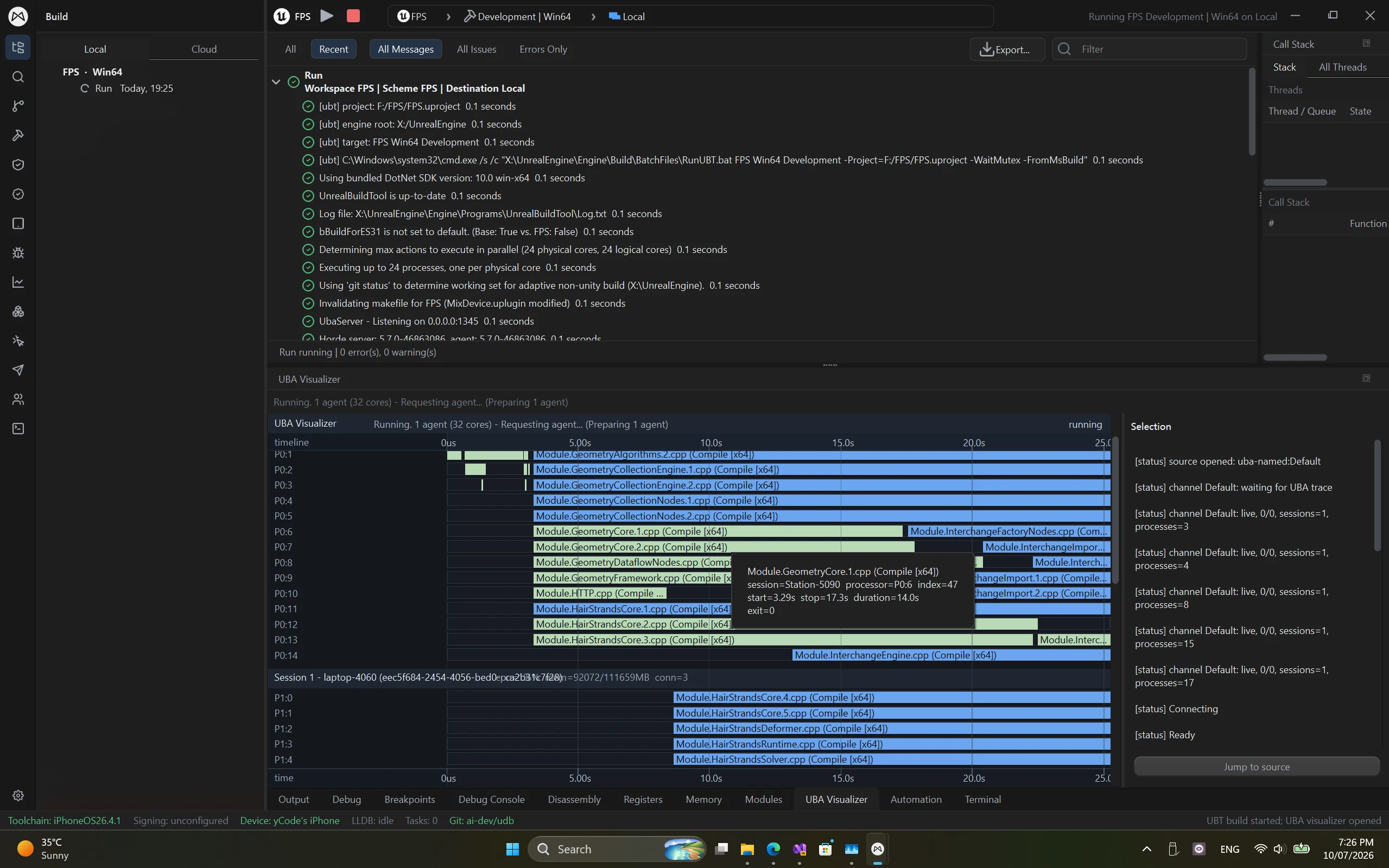
Use the connected editor for Hot Reload and Live Coding, then follow broader Unreal workflows in Ycode. Distributed compilation and Unreal Build Accelerator timelines are separate build capabilities, not functions of the editor-link plugin.
- Trigger Hot Reload and inspect Live Coding state
- Attach the native debugger to the connected editor
- Explore IrisBuild compilation and Unreal build timelines
Different targets. A familiar workspace.
Debug iOS, Android and Windows apps simultaneously from one Windows workspace.
Platforms & devices
Game engines
Native code
Graphics & captures
LSP highlighting & completion
Write application code, scripts and shaders in one editor, with language-server-backed highlighting and completion for these additional languages.
- Rust
- C#
- Java
- Kotlin
- Python
- MetalSL
- Unreal Shader
- Unity ShaderLab
Language support describes editing features. Build, run and debugging support depend on the project's toolchain and target.
Windows is both the desktop host and a debugging target; iOS and Android are connected device targets. Ycode supports simultaneous debugging across all three. Setup and available features depend on the project, toolchain and target version. Download buttons list only published installers.
A few things to know.
Practical answers before you get started.
What is Ycode UnrealLink?
Ycode UnrealLink is Ycode's Unreal Editor integration, implemented by the bundled YcodeLink plugin. It connects editor logs, PIE controls, Blueprint navigation, Live Coding, shader context and MCP tools to Ycode. YcodeLink is a Ycode plugin, not JetBrains RiderLink.
How do I install and connect YcodeLink?
Use the Unreal panel in Ycode to install the plugin into your project or engine, then start Unreal Editor and compile or load the plugin. The connection uses a local endpoint with a per-editor-session authentication token. Installation and available features depend on your engine version and project configuration.
Does UnrealLink replace the build toolchain?
No. UnrealLink connects Unreal Editor to Ycode. IrisBuild distributed compilation and native debugging are separate Ycode workflows. Unreal Shader highlighting and completion are editor language services; they do not imply that every shader variant or target can be compiled or debugged.
Bring your tools into one workspace.
Create a Mix Studio account or sign in to download Ycode. Compare plans for feature access and device or build-node limits.
Join Discord